Phone Farm Hardware for Short-Video App Testing Labs
Teams building or testing short-video apps, social feeds, or creator tools often search for phone farm hardware to run compatibility matrices on real Android devices. This guide explains the B2B hardware layer Max Phones Farm supplies — not software tricks or platform policy workarounds.
What labs actually need
Short-video and social apps stress GPU rendering, camera APIs, background upload queues, and notification channels differently across SoCs. A device lab with physical phones catches issues emulators miss:
- Release regression on Samsung, Redmi, POCO class devices before store submission
- Performance sampling under continuous load in a cooled chassis
- Network isolation with lab VLANs for staging builds
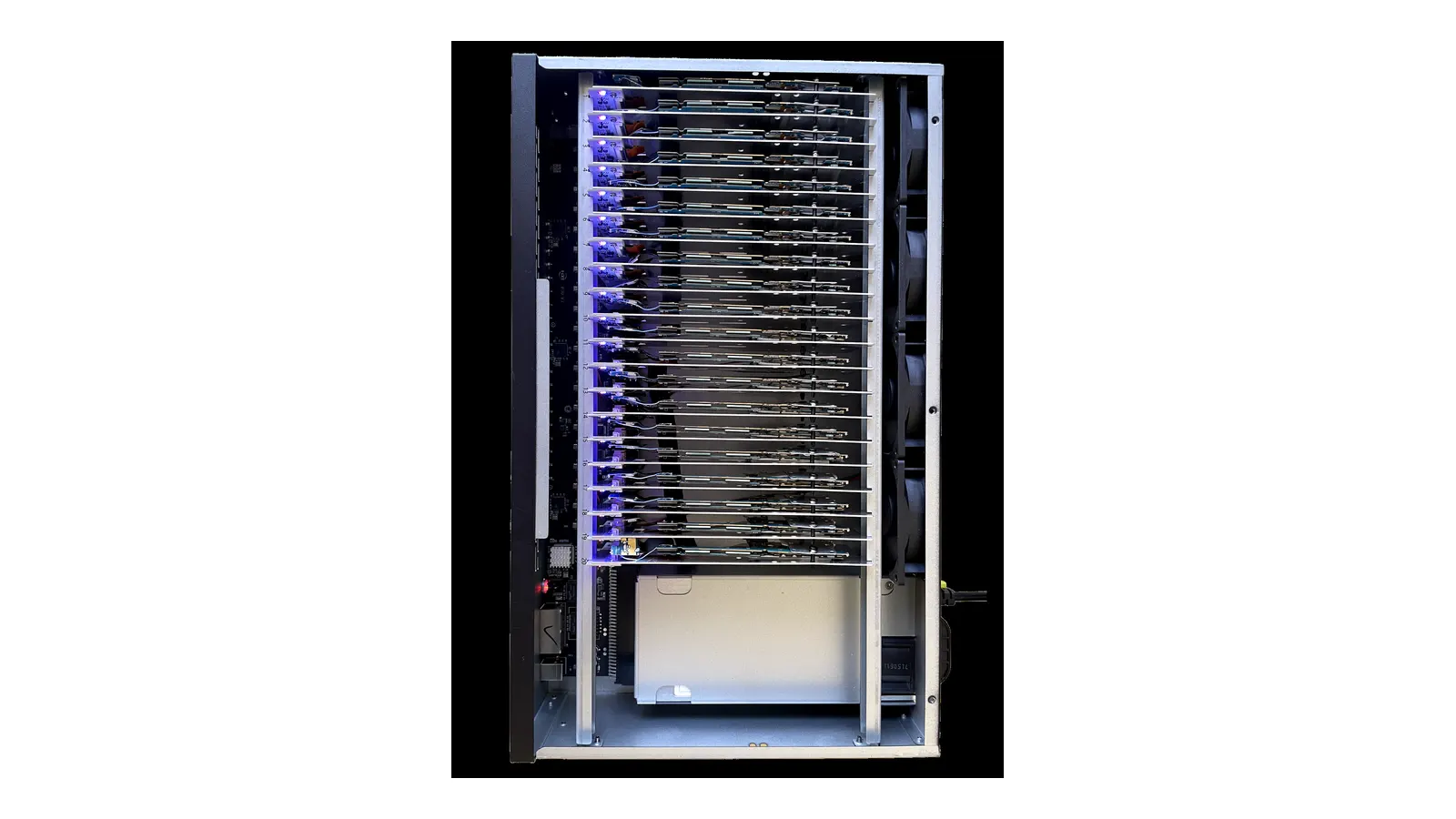
- Batch APK installs across 20 nodes from one control PC
Recommended hardware
| Lab size | Chassis | |----------|---------| | Pilot | Android Device Lab Starter | | Standard QA (20 nodes) | Enterprise Phone Farm Box | | Rack / NOC | Rackmount Phone Farm +20 |
Compliance framing
Max Phones Farm sells enterprise device lab hardware from Guangzhou. We do not provide guidance for fake engagement, account farming, or terms-of-service violations. Deployments should follow your company's QA governance and app-store policies.
Setup support
Remote Control Setup documents ADB topology and mirroring for up to 20 nodes per session.
Request a quote with device models and lab size.
Related: App Testing Labs Guide · Mobile Display QA