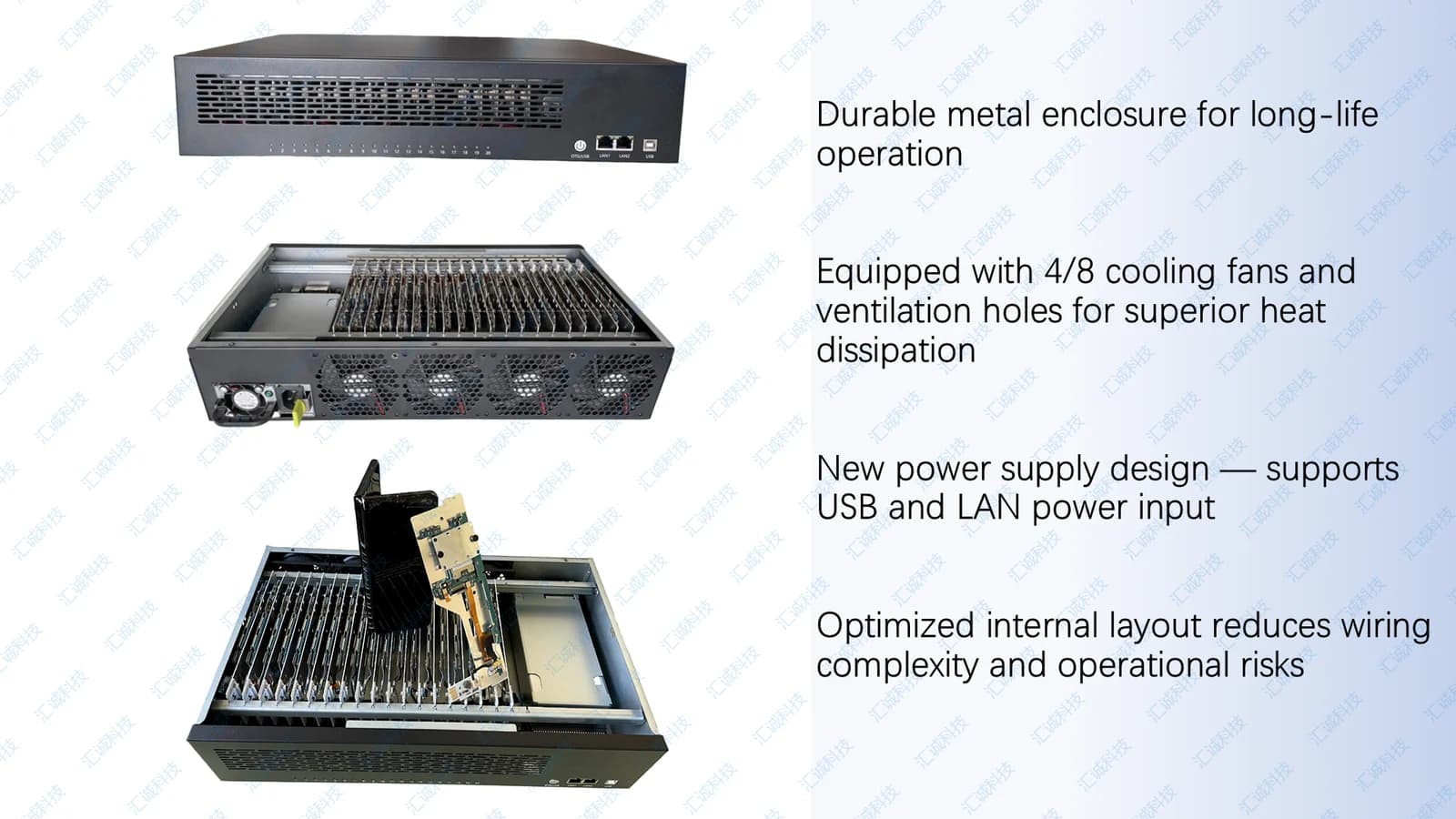
Device Lab Setup Guide: From Unboxing to First Test Run
This guide outlines a standard Enterprise Phone Farm Box handover for internal QA teams.
Step 1: Unbox and inspect Verify slot count, PSU label, fan operation, and USB harness seating. Document serial numbers for asset tracking.
Step 2: Power and network Connect mains power within rated voltage. Place the chassis on a dedicated lab VLAN. For multi-chassis labs, plan a Lab Network Switch Kit early.
Step 3: Host connection Run one USB uplink to the control workstation. Confirm each slot enumerates in your device management tool. Replace worn harnesses with our USB Backplane Module if needed.
Step 4: Device preparation Enable developer options, confirm ADB authorization, and stage test APKs through your approved deployment pipeline.
Step 5: Smoke test Run a parallel test script across all nodes. Monitor thermals and USB stability for 24 hours before production workloads.
Need remote assistance? Book our Remote Control Setup Service or message us on WhatsApp to schedule a session.